
Add HTML
Paste markup, import a file, or share a page from Safari into Annoti.
Your HTML library on iPhone
Store pages, reports, docs, and prototypes in one place on your phone. Add HTML by paste, file, or share, then organize your library with folders and search so the artifact you need is always close at hand.
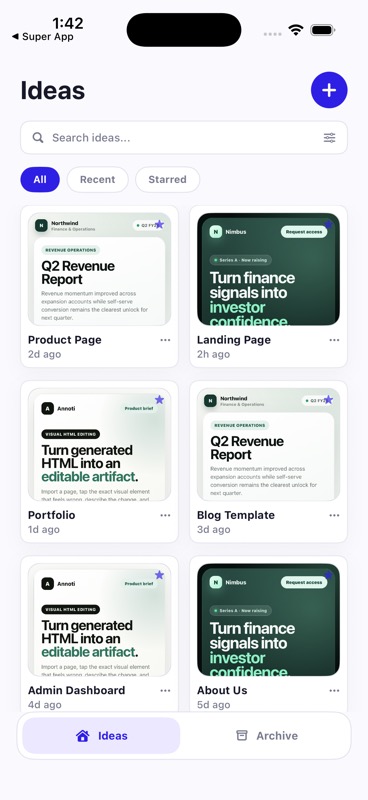
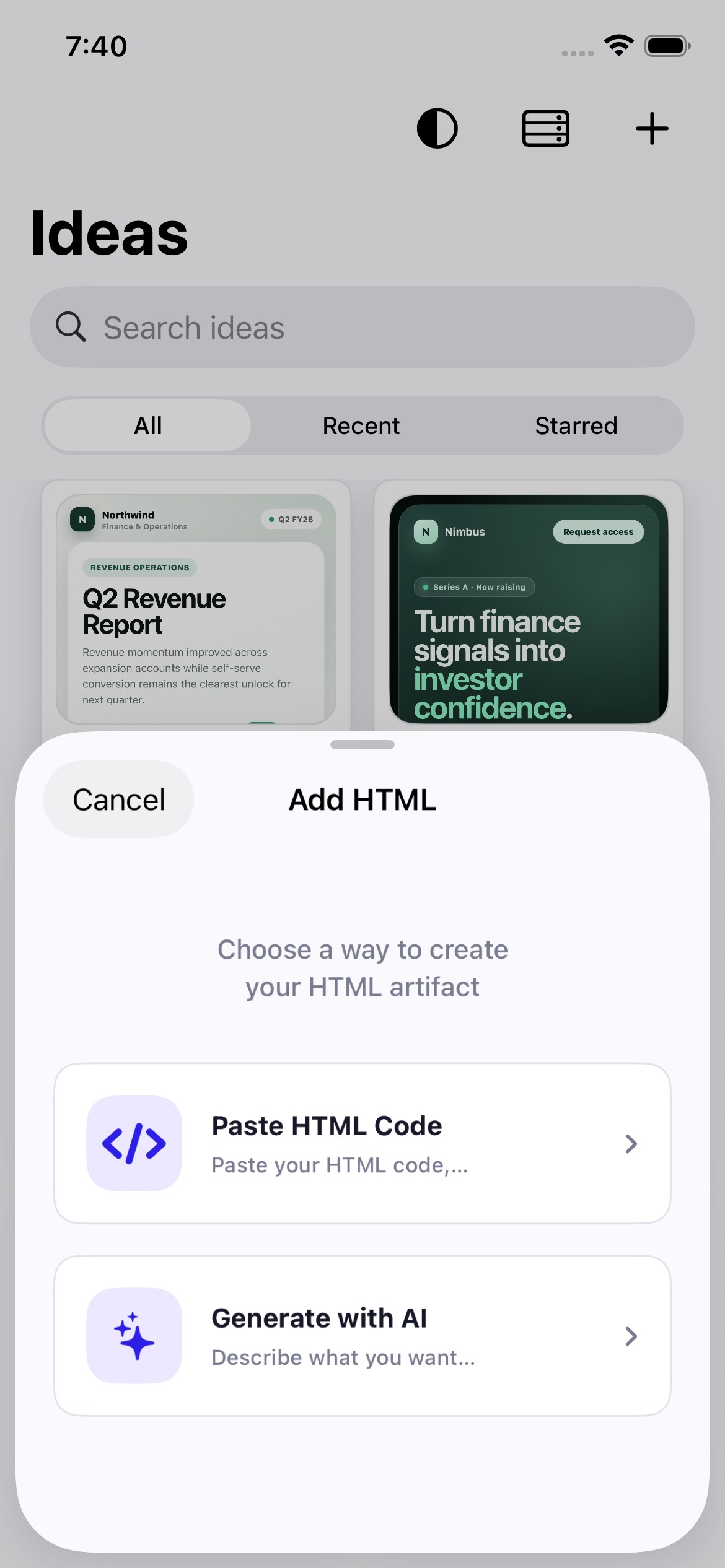
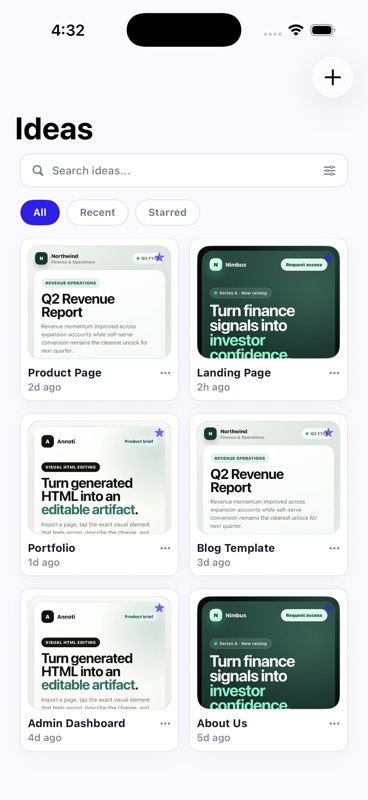
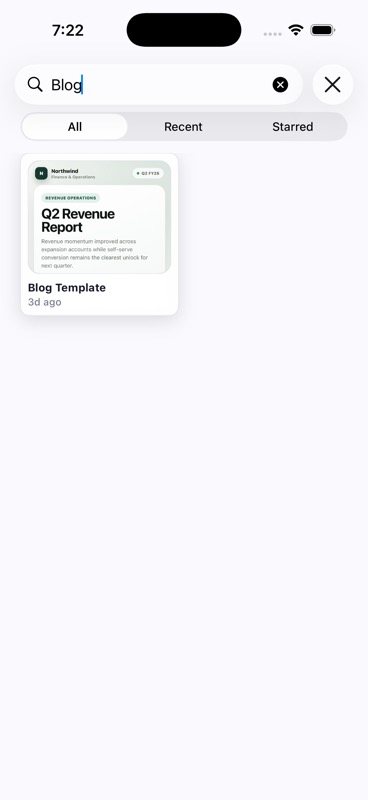
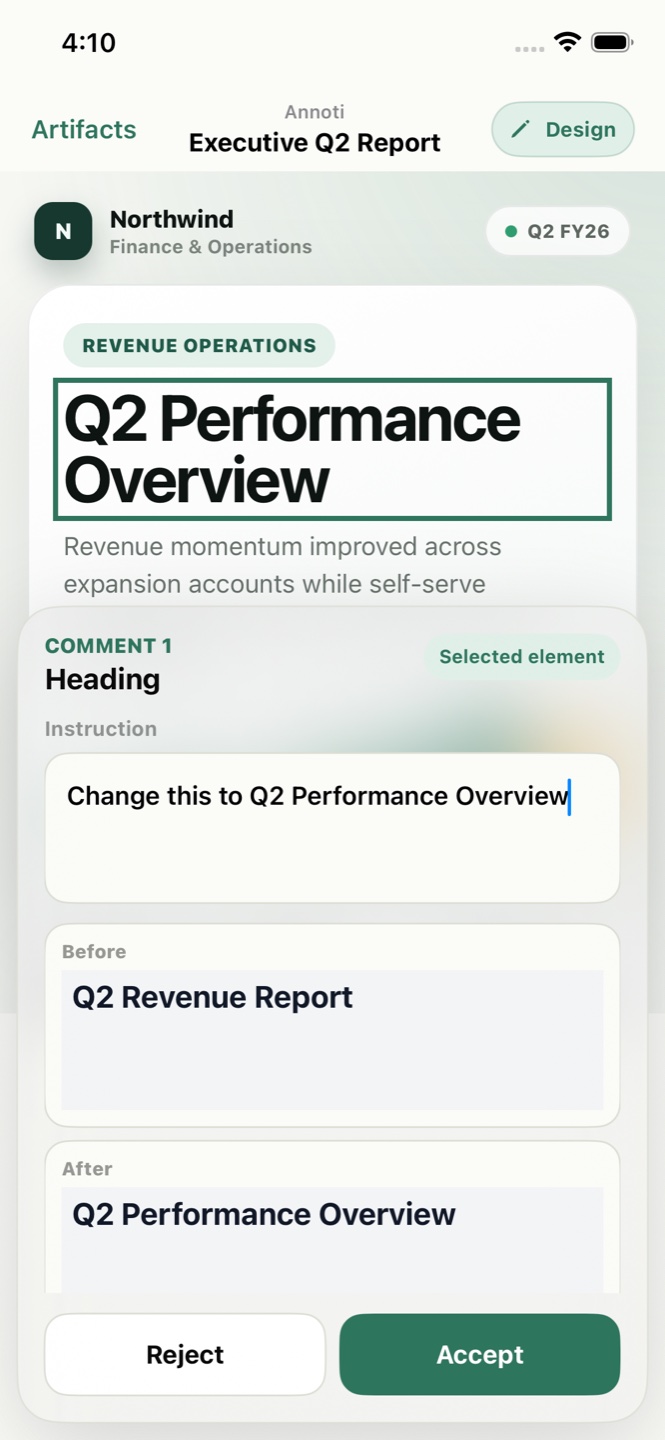
The first release is built around one job: keep the HTML you work with on your phone, organized well enough that opening the right page takes seconds.
Paste markup, import a file, or share a page from Safari into Annoti.
Every artifact gets a thumbnail preview and stays in your local library.
Sort pages into folders for clients, projects, drafts, or personal work.
Filter the library by title so the page you need is one tap away.
Open any saved artifact and review the rendered HTML whenever you need it.
Annoti is not trying to be a desktop code editor on a phone. The first release gives you a calm place to store the HTML artifacts you already have.
Keep reports, landing pages, docs, and prototypes in a native iOS library.
Group artifacts by client, project, or draft instead of losing them in exports.
Scan saved pages visually before you open them, rename them, or move them.
Save generated pages and reports instead of leaving them in chat threads or downloads.
Keep landing pages, one-pagers, and review copies organized by project.
Store HTML mockups and drafts you want to revisit on your phone.
Hold exported HTML documents, summaries, and tables in one searchable library.
Annoti's first release is focused on storage and organization: add HTML, keep it in a library, sort it into folders, and open it again when needed.
Annoti is an iPhone app for storing and organizing HTML artifacts. You add pages by paste, file, or share, keep them in a local library, and open them again whenever you need to review the rendered page.
Annoti keeps your library on your iPhone. The first release is focused on local storage, folders, search, and preview — not cloud sync.
Paste HTML directly, import a file from the Files app, or share a page into Annoti from Safari or another app using the share extension.
Yes. You can create folders, move artifacts between them, rename pages, and search the library by title.
Annoti is early and focused. Beta access is for people who already collect HTML artifacts and want a better way to store and organize them on iPhone.
Request beta accessPaste, import, or share pages you actually need to keep on your phone.
Save artifacts, create folders, and see whether the organization model feels right.
Help decide what library features matter most before editing tools expand.
Annoti's first release is focused on one job: save, organize, and revisit the pages you work with.
Request beta accessLeave your name and email. We will send a TestFlight invite when the beta opens.
We will send a TestFlight invite to your email when the beta opens. Keep an eye on your inbox.